Amazon main images on a white background, generated from phone photos
Generate white-background product images from phone photos, review each result, and export approved images by SKU.
Open the product photo workspace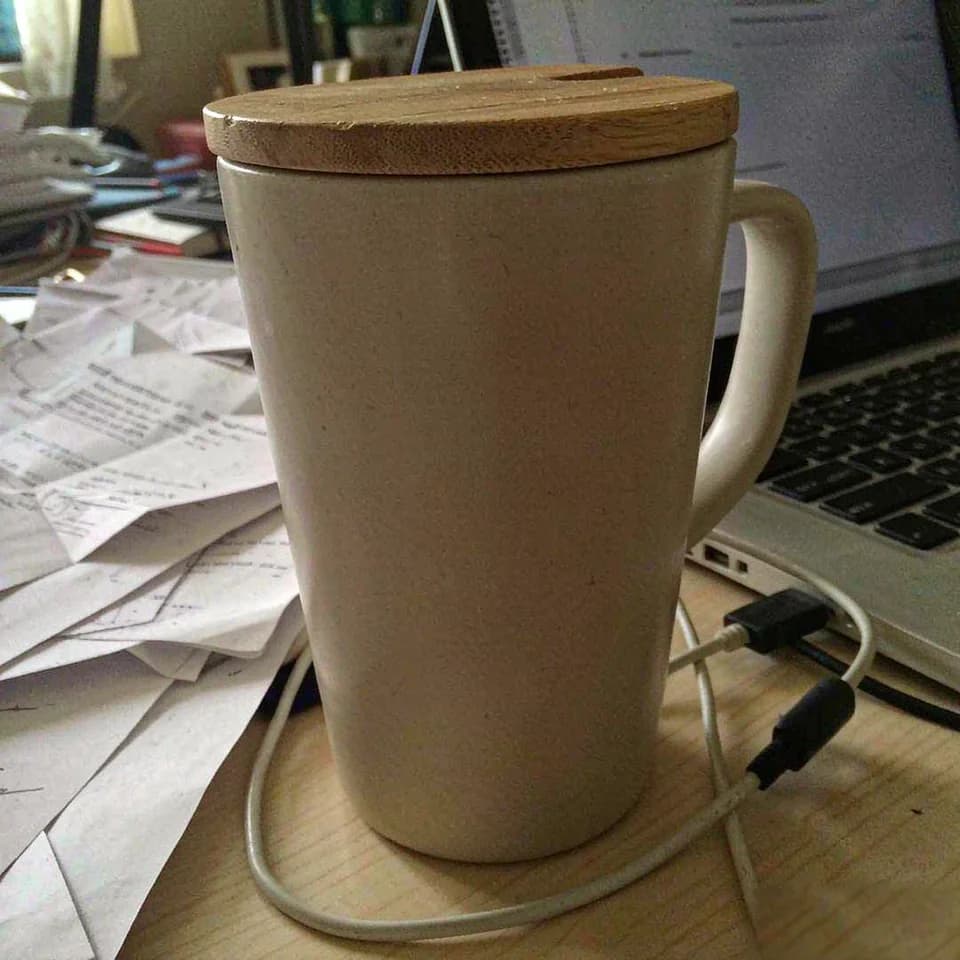
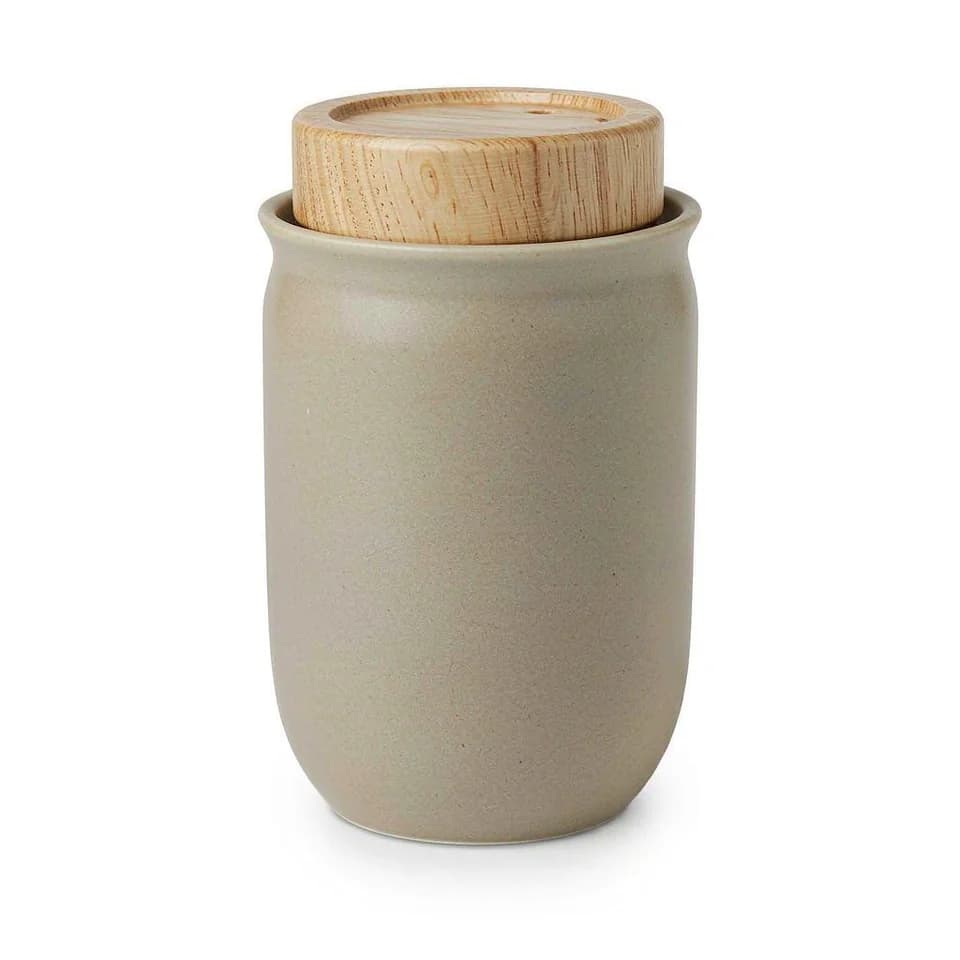
Check Amazon's image guidelines
- Use a pure white background (RGB 255, 255, 255) for the main image.
- Make the product fill at least 85% of the frame.
- Check the image for accurate product details and consult the current requirements for your marketplace and category.
From phone photo to listing images
- Import product photos in batches and group them by SKU.
- Generate and review the white-background image against the original.
- Create and review scene and detail images.
- Export approved files by SKU, then check the marketplace requirements before uploading.
Frequently asked questions
Does an AI-generated image automatically meet Amazon's rules?+
No. Review the image and check the current marketplace and category requirements before uploading.
Can I review images before downloading?+
Yes. You can compare results with the source image, rework them, and export approved files.